















Ragdoll Playground
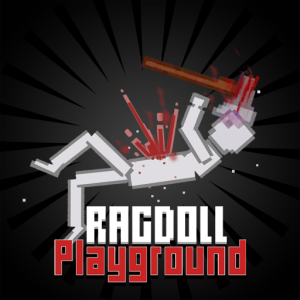
About Ragdoll Playground
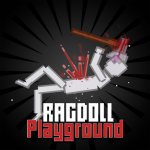
Ragdoll Playgroundis a 2D physics-based sandbox game where players can spawn a wide range of objects and experiment with them in different vast open environments. There’s no specific goal or storyline; it’s mainly about exploring and experimenting. Whether it’s testing the effect of different objects and tools, crafting something, or simply exploring how items interact with the game’s environment, the game gives players full control.
Note: This sandbox game features realistic physics and violent, gory effects, making it unsuitable for everyone, especially children and those finding it disturbing.
How to Play Ragdoll Playground
Start by choosing a map.The game features 13 maps or environments, such as Abyss, Blocks, Small, Snow, Tower, etc., each with a unique layout and settings. Select one of your preferences, then enter a blank world where you can explore and experiment endlessly.
Spawn objects.To spawn an item, open the menu and select the object you want. Click on it, click on the desired spot on the canvas where you want it to appear, and press Q to spawn it.
Interact with objects.Players can rotate, grab, activate, or remove any object: hold the left mouse button to grab, press F to activate, use A or D to rotate, right-click to delete, and scroll the middle mouse wheel to resize.
Experiment freely.The physics engine is a core part of Ragdoll Playground. You can test how objects react differently in different environments and scenarios, and see how they behave under pressure, gravity, or explosions. You can also combine various objects or tools. In other words, the game offers infinite possibilities to explore and experiment.
Game controls:
- Use the mouse to select items
- Arrow keys to move around the map
- E or Q to spawn objects
- F to activate the object
- Hold the left mouse to drag objects
- A or D to rotate objects
- Right-mouse click, then select Delete or press Backspace to delete objects